Prices have increased dramatically for consoles and gaming PC’s in the last couple of years due to the rise of A.I. and its greatly increased demand for computer memory, graphics cards, and even electricity. This is leading to gaming to becoming more unaffordable for most players. Game prices have increased as well, but not as high as the gaming hardware due to the game companies ever increasing need to increase their profits year after year. This is leading many gamers to look for more affordable ways to play video games and are turning to alternatives ways like cloud gaming. Cloud gaming can provide lower prices and the convenience to play video games on any available device at any time.
What Is Cloud Gaming and How Does It Work?
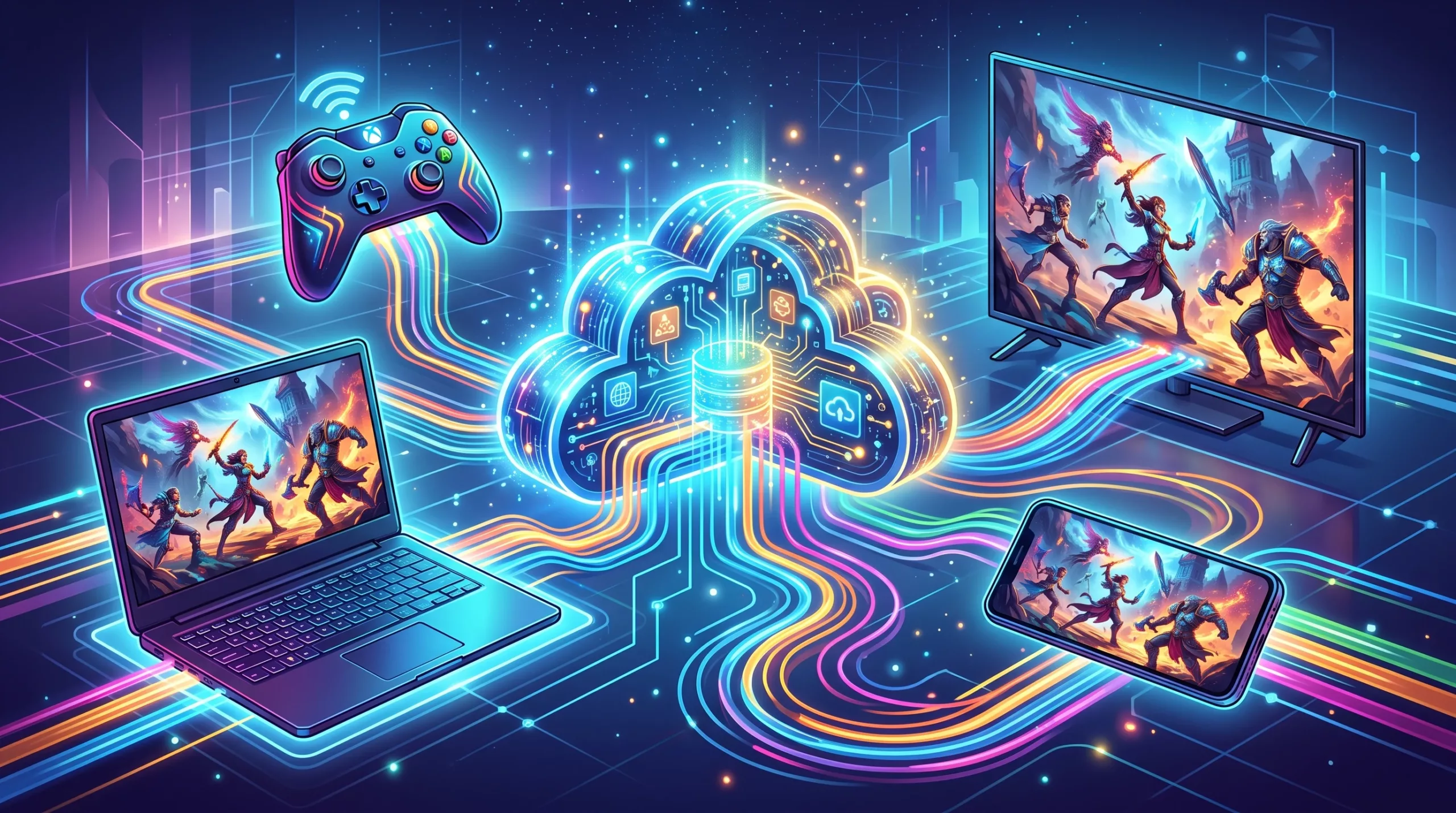
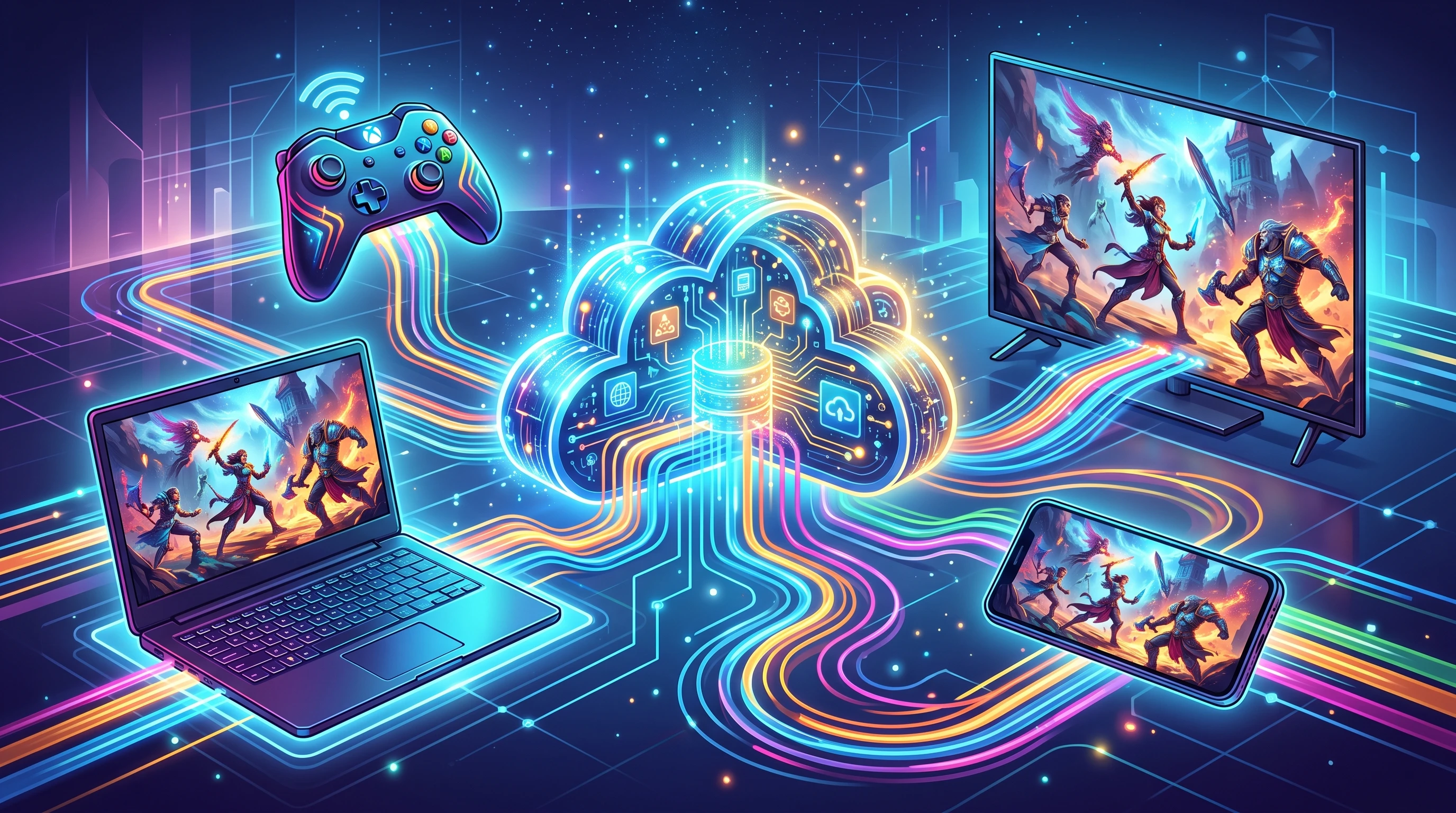
Cloud gaming runs the game on remote servers rather than your own device. Your screen basically turns into a live stream from the data center, and your device just sends inputs and then displays video and audio. Almost anything with a screen and a decent internet connection can become your gaming hub: a basic laptop, smart TV, phone, or tablet. This technology has a come long way, so games can run super smoothly in the right set of conditions.
Cloud gaming is really handy for traveling or for folks who don’t want to spend a lot money on new consoles, have to install games, worry about storage, or upgrading the graphics cards. All of that heavy lifting happens in the cloud. In fact, you can game as long as your device supports a modern web browser, which opens up lots of possibilities without needing additional expenses.
Top Cloud Gaming Services Overview
There are several major players that dominate the cloud gaming space right now. Here’s a quick rundown of the most popular ones right now:
- NVIDIA GeForce NOW: Streams PC games you already own from major stores like Steam, Epic, and more.
- Xbox Cloud Gaming (formerly xCloud): Part of Xbox Game Pass Ultimate, lets you play Game Pass titles anywhere. Play even classic Xbox titles as well.
- PlayStation Plus Premium: Offers PS4, PS3, and some classic games from Sony’s huge library, streamed to various devices.
- Amazon Luna: Amazon’s entry, bringing channels for different genres. It’s more like Netflix for gaming.
- Shadow: Delivers a full cloud-based Windows PC you can directly access on in order to run any game or app you like.
Each service takes a slightly different approach, so picking the right one depends on your personal gaming style and which games you want to play the most. Some even support crossplay, so you can game with friends across different systems, adding flexibility and expanding your multiplayer options.
How to Choose the Best Cloud Gaming Service for You
The best pick comes down to what you’re looking to play and how you want to access games. Here are a few key questions to ask before making a choice:
- What devices do you want to game on? Some services work great on phones, but others shine on PCs or smart TVs.
- Which games are a priority for you? Some platforms let you stream your existing library, while others focus on their own catalogues. If you’re into the PlayStation exclusives, for example, PlayStation Plus Premium is the way to go.
- How’s your internet connection? Smooth cloud gaming usually asks for speeds around 1525 Mbps or higher, with low latency for fast action games. If your internet connection is not so great, services with lower resolution options or the ability to adjust the settings can help.
- Budget and subscription style: Some services work with subscriptions, while others are pays you go or you purchase the games.
It’s also helpful to think about what sort of games you like. Multiplayer? Indie? AAA blockbusters? Checking available libraries and compatibility can really make or break a cloud gaming experience. Some services update their catalogs monthly, so you’re never stuck with the same old lineup of games for too long.
Comparing the Top Cloud Gaming Platforms
So, here’s how the main services stack up on features that matter when picking the one for you:
NVIDIA GeForce NOW
Brings your PC library to the cloud. All you need to do is link your Steam, Epic, or Ubisoft account and play games you already own. There’s a solid free tier (with wait times and shorter sessions) and paid options for longer play and more powerful hardware. GeForce NOW shows impressive performance, especially if you have a very fast internet.
- Pros: Use your existing game library. No need to rebuy games. Supports a massive list of titles. Best gaming hardware available.
- Cons: Some game publishers block their games from the service, so availability changes from time to time. Free tier can have long queues.
Xbox Cloud Gaming (Game Pass Ultimate)
This is bundled with Xbox Game Pass Ultimate. You get a huge library of games you can play on your phone, browser, or Xbox console. It’s great for trying new releases without buying them outright.
- Pros: One subscription covers hundreds of games, including new releases. Works really well if you’re already part of the Xbox ecosystem. Controller support is excellent, and some titles even offer touch controls.
- Cons: No bringing your own games from Steam or other stores – it’s Game Pass library only. Not every Game Pass title is cloud-enabled.
PlayStation Plus Premium
Offers an impressive collection, especially for classic and exclusive PlayStation titles that you can’t easily find elsewhere. The streaming runs smooth on PS4, PS5, and PC (with a workaround).
- Pros: Great mix of old and new PlayStation games. Super easy for PS4/PS5 users. Streaming to PC is an option if you follow Sony’s setup guide. Can stream to the PlayStation Portal as well.
- Cons: No option to stream to phone or non-Windows computers. You can’t stream games you own elsewhere; only with the catalog provided.
Amazon Luna
This service provides a rotation of games, like Netflix. It’s beginner-friendly, and the Amazon Luna controller works directly with its cloud, meaning no Wi-Fi pairing headaches.
- Pros: Nice selection of party games and single player games for families and/or core gamers. Runs well on Fire TV, PC, Mac, and even iPhones and Android phones via browser.
- Cons: Smaller overall library than other services. Not as many AAA exclusives compared to Xbox or PlayStation. Recently removed Ubisoft, EA and GOG subscriptions and storefronts.
Shadow
This platform isn’t just for games. Shadow gives you full access to a high-end Windows PC in the cloud. You install anything you want on it: games, work apps, streaming software. You pay a flat monthly fee and it’s yours when you want it, with power upgrades available.
- Pros: Use for gaming, creative work, or anything else Windows does. No restrictions on game stores, mods, or settings.
- Cons: More expensive than most pure gaming subscriptions. Setting things up takes some know how, it’s not just a plug-in-play platforms.
Other services, like Boosteroid and Blacknut, are also entering the market, giving you even more choices if you’re hunting for niche titles or want global server locations. The cloud gaming landscape is getting even more diverse and competitive.
What You’ll Need for the Best Experience
Cloud gaming is pretty forgiving with devices, but there are a few things that make a big difference:
- Internet Connection: Wired ethernet or a high quality 5GHz Wi-Fi keeps things stable. Mobile data works, but latency can spike.
- Controller: Any modern Bluetooth or wired controller usually works, though some services (like Luna) have their own models. Touch controls exist for some mobile games, but nothing beats a real controller for playing games.
- Display: Full HD monitors or TVs really bring out the best in streamed games. Some services offer 4K streams, but this needs more internet bandwidth and usually a pricier plan.
Also, keeping your device’s operating system up to date and making sure your browser or app is updated to the latest version. This can prevent annoying bugs and ensure you’re getting the newest features, helping to make your cloud gaming experience smooth.
Potential Downsides and Common Challenges
- Lag and Latency: Because you’re streaming, any hiccup in your connection can show up as lag. Fast-paced or competitive online games feel this more and may become unplayable.
- Game Availability: Services sometimes lose games due to licensing, so libraries might shrink or change suddenly, without any warning.
- Pricing: Subscriptions add up, and some platforms charge extra for premium features. If you want higher resolution during gaming, be prepared to a higher price.
- Ownership: Most cloud games aren’t “yours” forever; when a service removes a title, you lose access unless you buy it on another platform. Some platforms allow you to purchase the game to play on the cloud.
There’s also the matter of graphical fidelity; some compression is involved, so games may not look as sharp as running on native hardware. But ongoing upgrades and higher bitrates are always rolling out.
Advanced Tips for Getting More from Your Cloud Gaming
Here are a few tricks to make your cloud gaming experience as smooth as possible:
- Prioritize Your Internet: Disable downloads or streaming video on your network when playing. Some routers let you set your gaming device as a “priority device.”
- Adjust Game Settings: Some services let you customize the stream resolution, bitrate, or framerate. Dropping quality a bit can avoid stutters if your connection isn’t that great.
- Offline Backups: For story driven games, keep your saves synced with the cloud, or occasionally download them if the service allows. Sometimes, it’s good to have some backups.
Try to use wired internet when you can, or position your router so your console, PC, or streaming stick/Amazon Fire TV is closer for stronger Wi-Fi. Using gaming headsets and audio setup tweaks can make the experience more immersive, as well.
Some Real World Use Cases
- Traveling Gamers: A Chromebook and controller in any bag beats lugging a heavy laptop. Cloud gaming makes layovers, hotels, or any kind of visits/down time way more fun.
- Apartment Dwellers: No need for giant consoles or noisy fans. Playing high-end games on your living room TV without having to overcrowd your setup.
- Family Setups: Multiple people can use one Luna or Game Pass subscription across several screens, so there’s something for everyone with minimal arguing for who gets to play on the main screen.
- On the Go: Start playing the games on your smartphone during a commute, and then continue your adventure on a tablet at a coffee shop—the flexibility to play anywhere is part of the magic.
- Temporary Setups: If you’re relocating or in a college housing, streaming to your own devices saves you both space and money.
Frequently Asked Questions
Here are a few common questions you may have if you are new to cloud gaming:
Question: Can I use cloud gaming if my internet isn’t super fast?
Answer: Yes, it’s possible with as little as 10 Mbps, especially on lower resolutions. For smooth, full HD gaming, 20 Mbps or higher with low latency would provide a much better experience.
Question: Do all services support 4K streaming?
Answer: Not yet. GeForce NOW’s RTX 5080 plan, for example, can do even 5K, but Xbox Cloud Gaming and most others currently max out at 1440p for most users.
Question: What if a game disappears from the cloud service library?
Answer: If game licenses expire, the title could go away. Services usually warn ahead of time, but to keep permanent access, buying the game on a regular PC or console might help.
Question: Is cloud gaming good for people who love mods?
Answer: Most mainstream services restrict mods, but platforms like Shadow lets you install and play with mods as you would do on a normal PC.
Is Cloud Gaming the future of gaming?
As PC and console gaming keeps getting more expensive, gamers will find other ways to game without breaking the bank. Cloud gaming can seem like a better and more affordable way to play games. There are many Cloud gaming options, each with their own qurks and price points.
There are so many Cloud gaming options ranging from the high fidelity GeForce Now to the personal Shadow Cloud PC.
If you want to play at the highest visual settings possible, GeForce Now is the best platform to play on. If you want to play PlayStation exclusive games and even older PS4 games, PlayStation Plus is best choice for playing these games. There could be more cloud gaming platforms to choose from in the future due to increased demand and higher costs for local PC/console gaming.
Would you consider cloud gaming over the traditional console gaming? What games do you want to play in the cloud? Please fee to drop some comments down below. Thanks!
Disclaimer: This article was A.I. generated and edited by me.